We can take example of Java+Selenium projects. When we write scripts, often we need to look into the underlying implementation. For example, what are the methods available in WebDriver interface, what is the code for System.out.println etc. There are different ways how can we look into the code behind. Here I am going to explain the easiest one.
- Click on the text, e.g WebDriver
- Press F33.
- If the source is not attached, it will open a window with a button ‘attach source
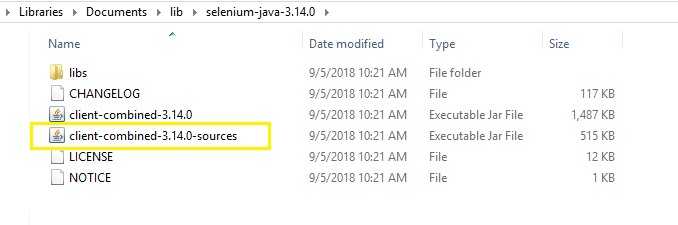
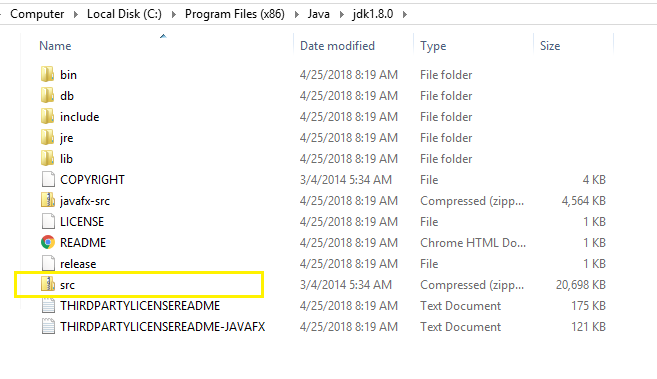
- Attach the source projects from the location shown in the below images
Selenium
Java
 Test Automation Home